Browse our complete catalog of industry-standard practical programs and upgrade your tech skills today.
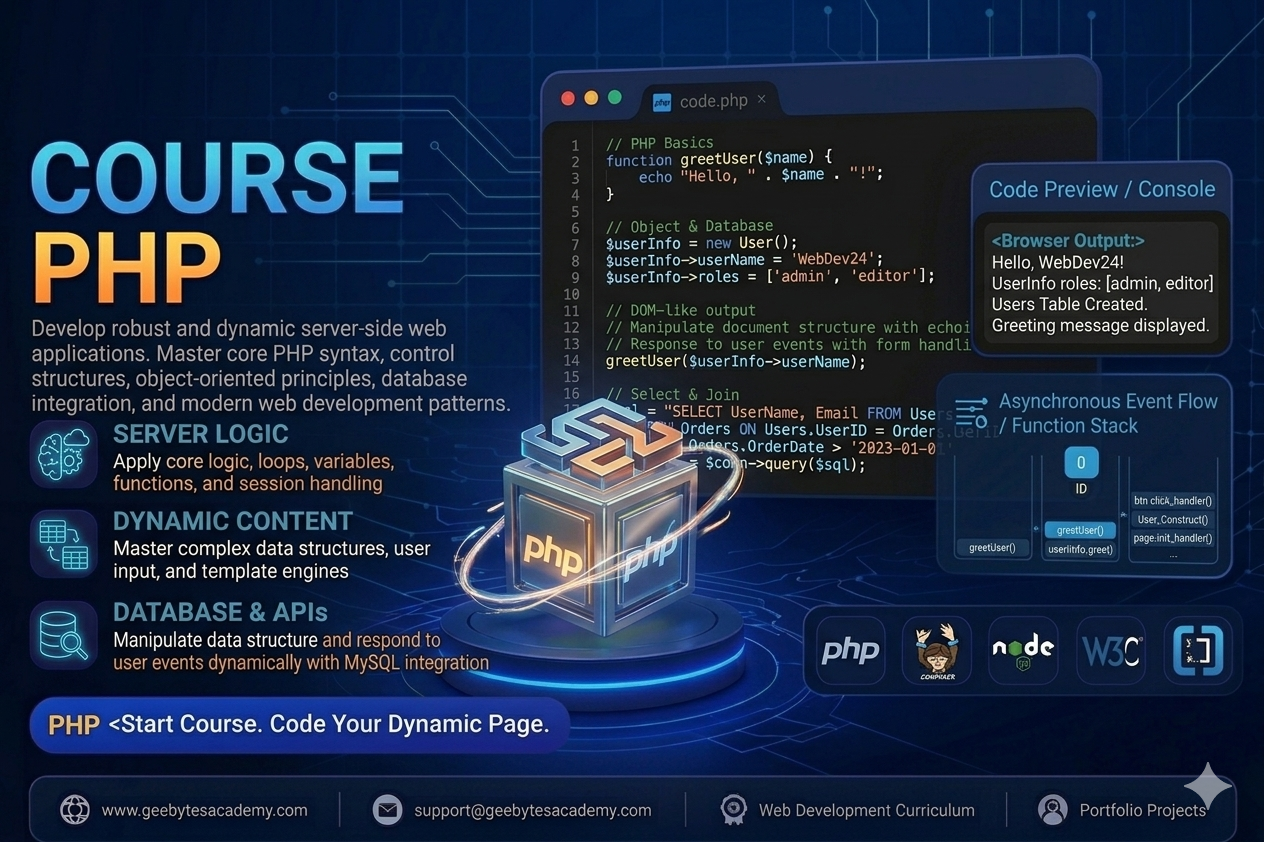
Course Overview Level: Beginner to Advanced Prerequisites: Solid understanding of HTML structure and basic SQL database concepts Goal: Master server-side programming, form handling, session security, object-oriented PHP architecture, and database integrations. Module 1: PHP Foundations and Environment Setup Introduction to the Server Side: Understanding client-server architecture and how a web server interprets PHP before serving HTML to the browser. Development Environment Setup: Configuring local development servers like XAMPP or Laragon and verifying the PHP installation. Basic Syntax and Echoing: Managing opening and closing PHP tags, statement terminators, and outputting content via echo and print. Variables and Constants: Declaring dynamic variables with the dollar sign and setting unchangeable application values with the define function. Data Types and Sizing: Working with strings, integers, floats, booleans, arrays, objects, and null values. Module 2: Control Flow, Logic, and Arrays Conditional Evaluation: Directing application flow using if, else, elseif, and switch statements. Looping Mechanisms: Automating repetitive tasks using for, while, do-while, and foreach for data rendering. Working with Arrays: Building and manipulating indexed arrays, associative key-value arrays, and multi-dimensional data structures. Array Core Functions: Transforming data lists using array-push, array-pop, count, in-array, and array-merge. Module 3: Functions and Variable Scope Declaring Custom Functions: Building reusable blocks of code with custom naming parameters and return statements. Type Hinting and Return Types: Writing clean, modern PHP by explicitly enforcing data types for input parameters and outputs. Variable Scope Management: Navigating global vs local variable execution spaces and leveraging the global keyword. Built-In Helper Functions: Utilizing string formatting functions, mathematical calculators, and real-time date-time utilities. Module 4: Form Handling and User Input Processing Superglobal Variables: Working with system-level variables like SERVER, GET, and POST. Form Submission Processing: Safely capturing user entry data transmitted from HTML forms. Data Sanitization: Scrubbing user inputs using filter-var and htmlspecialchars to block malicious code injection attacks. Form Validation Patterns: Implementing mandatory field checking, email verification strings, and numerical range verification logic. Module 5: State Management, Cookies, and Sessions Understanding Stateless Protocol: How HTTP functions and why data tracking layers are required. PHP Sessions: Initiating secure tracking using session-start, storing global variables, and destroying user sessions on logout. Cookie Mechanics: Setting temporary or permanent browser client trackers using setcookie and reading stored values safely. Authentication Security: Restricting page views to registered users by tracking valid session state flags. Module 6: Object-Oriented PHP OOP Introduction to Classes and Objects: Building application blueprints with custom properties and internal methods. The Constructor Method: Automatically priming new objects with custom data payloads using the construct method. Access Modifiers: Enforcing strict data encapsulation using public, private, and protected visibility states. Inheritance and Polymorphism: Extending parent classes to child classes using the extends keyword to reuse architectural logic. Module 7: Database Integration with MySQL Connecting via PDO: Establishing secure database connections using the modern PHP Data Objects layer. Prepared Statements Architecture: Securing web applications against SQL Injection vulnerabilities using parameter binding. CRUD Data Operations: Writing script routines to Create, Read, Update, and Delete database records directly from user dashboards. Dynamic Layout Population: Fetching rows from database structures and looping them clean HTML tables and card containers. Capstone Portfolio Projects To graduate from this course, students will build two real-world, backend-driven applications demonstrating backend development mastery: Project 1: A Secure User Authentication and Membership Portal Students will build a complete user registration and login engine. The backend must securely hash passwords using modern encryption algorithms before saving them to a database. It features validation feedback, state tracking sessions for private dashboards, custom profile modification fields, and safe logout handlers. Project 2: A Dynamic Content Management System CMS and Blog Engine Students will architect a robust backend platform that allows administrators to create, edit, publish, and delete blog posts or product listings from an admin panel. The system will leverage a MySQL database backend connected via secure PDO parameters. It requires categorized post filtering, image upload processing with file extension validation, and automated dynamic layout population across user-facing pages.
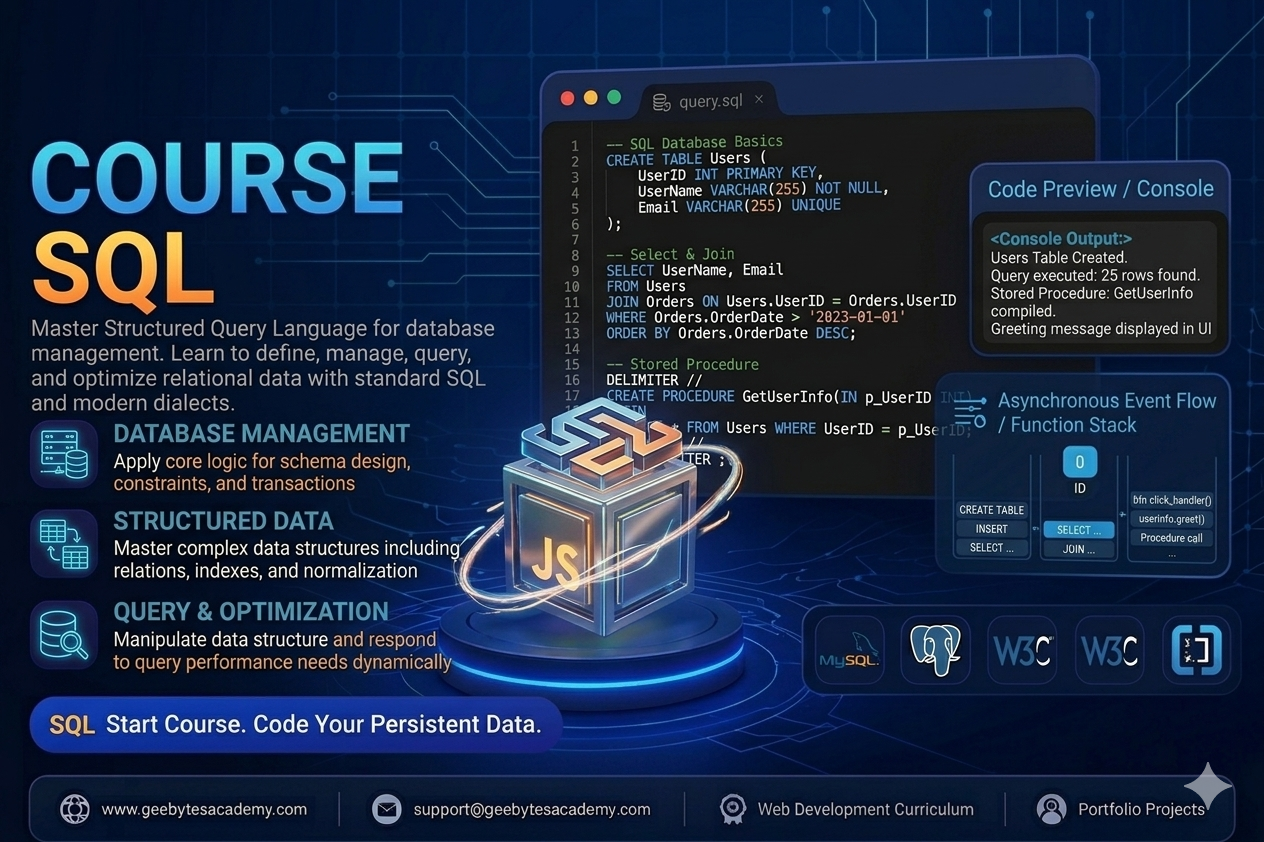
Course Overview Level: Beginner to Intermediate Prerequisites: Basic computer literacy and data organization concepts Goal: Master relational database management systems RDBMS, write highly optimized SQL queries, design normalized schemas, and manage enterprise data assets. Module 1: Relational Database Foundations and SQL Basics Introduction to Databases: Understanding file storage versus relational databases and the role of a Relational Database Management System RDBMS. Database Ecosystems: Setting up tools like MySQL, PostgreSQL, or SQLite and understanding database clients. SQL Language Subsets: Differentiating between Data Definition Language DDL, Data Manipulation Language DML, and Data Control Language DCL. The Core Query Engine: Writing basic data retrieval statements using SELECT, FROM, and terminating statements correctly. Module 2: Filtering and Sorting Data Records Conditional Filtering: Restricting data rows using WHERE clauses paired with comparison operators. Logical Evaluation: Combining multiple filter layers using AND, OR, and NOT logical operations. Pattern Matching: Performing text search filtering using LIKE, wildcards, and IN operators. Null Value Handling: Checking for missing dataset values using IS NULL and IS NOT NULL. Ordering Output: Sorting query results alphabetically or numerically using ORDER BY with ascending or descending parameters. Module 3: Data Manipulation and Table Modifications Inserting Records: Adding single or multiple dataset rows into database structures using INSERT INTO values. Updating Records: Modifying existing row parameters safely using UPDATE alongside strict WHERE clauses to prevent accidental table wide overrides. Deleting Records: Removing targeted rows using DELETE FROM versus wiping full structures with TRUNCATE. Altering Structures: Using ALTER TABLE to add columns, modify data types, or drop fields from active live structures. Module 4: Data Integrity, Constraints, and Schema Design Data Types: Selecting optimal storage types including integers, variable characters VARCHAR, text, booleans, dates, and timestamps. Primary and Foreign Keys: Ensuring row uniqueness using PRIMARY KEY and linking tables together via FOREIGN KEY constraints. Field Requirements: Enforcing data entry rules with NOT NULL, UNIQUE, CHECK, and DEFAULT values. Database Normalization: Structuring tables across First, Second, and Third Normal Forms to eliminate data redundancy and anomalies. Module 5: Aggregation and Data Summarization Aggregate Functions: Computing structural summaries using COUNT, SUM, AVG, MIN, and MAX functions. Grouping Records: Segmenting data rows into categorical blocks using the GROUP BY clause. Filtering Aggregates: Restricting summarized datasets using the HAVING clause versus traditional row filtering with WHERE. Removing Duplicates: Filtering unique records out of saturated columns using the DISTINCT modifier. Module 6: Querying Multi Table Datasets Joins and Subqueries Understanding Table Relationships: Navigating One to One, One to Many, and Many to Many schema architectures. Inner Joins: Retrieving rows that have matching values in both connected tables using INNER JOIN. Outer Joins: Preserving unmatched rows across data structures using LEFT JOIN, RIGHT JOIN, and FULL OUTER JOIN patterns. Subqueries: Nesting queries inside other queries within SELECT, WHERE, or FROM clauses to perform complex multi-stage computations. Module 7: Database Optimization, Views, and Transactions Database Indexes: Accelerating query response speeds on massive datasets using CREATE INDEX features. Database Views: Saving complex multi-join queries into reusable virtual structures using CREATE VIEW. Database Transactions: Ensuring absolute data reliability using ACID properties with COMMIT and ROLLBACK command controls. Capstone Portfolio Projects To graduate from this course, students will complete two enterprise grade database projects demonstrating structural schema layout and query optimization mastery: Project 1: An E Commerce Platform Relational Database Architecture Students will design and implement a relational database schema for a digital retail store from scratch. The project involves building highly normalized tables for users, products, categories, orders, and order items. Students must write complex analytical scripts to generate business performance reports, calculating top selling products, monthly revenue data summaries, and average customer lifetime value spending metrics via advanced multi table joins. Project 2: A Corporate Human Resource Management System Engine Students will build a database core capable of tracking employee profiles, department hierarchies, payroll histories, and performance reviews. This project focuses heavily on implementing strict data integrity constraints, indexing frequently accessed data paths for rapid report loading, and configuring transactional blocks to handle multi table payroll distributions safely without system failures.
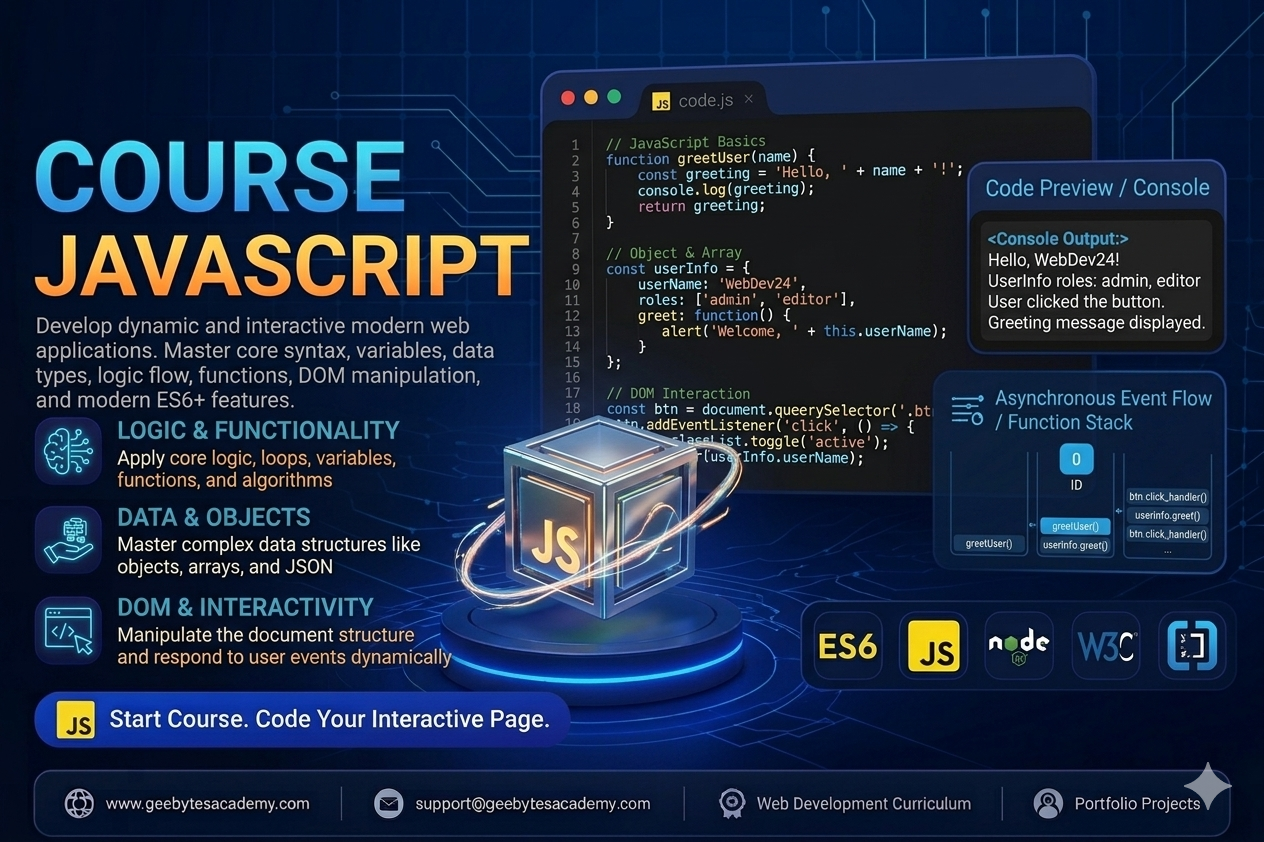
Course Overview Level: Beginner to Intermediate Prerequisites: Good understanding of HTML structure and CSS core concepts Goal: Master programming logic, DOM manipulation, object-oriented principles, and modern asynchronous ES6 plus development patterns. Module 1: JavaScript Foundations and Syntax Introduction to the Engine: How browsers execute JavaScript code, the role of the VConsole, and developer tools. Variables and Storage: Declaring variables using var, let, and const, and understanding block scope. Primitive Data Types: Working with Strings, Numbers, Booleans, Null, Undefined, and Symbols. Basic Operators: Utilizing arithmetic, assignment, comparison, and logical operators for value computations. Module 2: Control Flow and Logic Conditional Statements: Directing application flow using if, else if, else, and ternary operators. Switch Statements: Managing multi-conditional checking clean structures. Loops and Iteration: Repeating operations efficiently using for, while, and do-while loops. Break and Continue: Controlling loop execution states and preventing infinite processing loops. Module 3: Functions and Execution Context Declaring Functions: Building reusable blocks using function declarations and function expressions. Parameters and Return Values: Passing dynamic data into functions and capturing outputs. Arrow Functions: Writing clean, modern ES6 arrow function shorthand syntax. Scope and Closures: Understanding global scope, local scope, lexical scope, and data privacy closure techniques. Module 4: Working with Data Structures: Arrays and Objects Array Operations: Creating lists and mutating them using push, pop, shift, and unshift. Advanced Array Methods: Transforming data arrays using map, filter, reduce, forEach, and find. JavaScript Objects: Building key-value pairs, accessing properties via dot and bracket notation, and defining object methods. JSON Mechanics: Converting data structures between JavaScript Objects and JSON strings for API readiness. Module 5: DOM Manipulation and Event Handling The Document Object Model: How JavaScript targets HTML nodes through the document tree. Selecting Elements: Using modern querySelector and querySelectorAll API methods. Modifying Layout Content: Dynamically changing text content, inner HTML, and element attributes. Styling via JavaScript: Adding, removing, and toggling CSS classes smoothly using classList. Event Listeners: Responding to user interactions like click, submit, keydown, and scroll events. Module 6: Object-Oriented JavaScript and ES6 Features Template Literals: Writing complex string interpolations without concatenation. Destructuring and Rest Spread: Unpacking values from arrays and objects cleanly. Classes and Inheritance: Building blueprints using constructor functions, classes, and the extends keyword. The This Keyword: Mastering execution contexts and binding references accurately. Module 7: Asynchronous JavaScript and API Integrations The Event Loop Architecture: Understanding synchronous versus asynchronous execution stacks. Callbacks and Promises: Managing delayed operations and escaping callback hell. Async Await Syntax: Writing asynchronous API operations with synchronous readability. Fetch API: Requesting, processing, and sending data to external third-party web services. Capstone Portfolio Projects To graduate from this course, students will build two real-world, highly interactive applications demonstrating programming mastery: Project 1: An Advanced Interactive Task Management Application Students will design a functional task management engine. This application allows users to create, read, update, and delete tasks dynamically. It features category filtering, priority sorting, tracking input states via event listeners, and data persistence using Browser LocalStorage so data remains saved on page refresh. Project 2: A Real-Time Multi-Source Weather Dashboard App Students will build a dynamic dashboard that connects to a live third-party Weather API. The application will fetch real-time weather metrics based on user location input, handle error responses gracefully for missing cities, parse JSON payloads, and update UI displays instantly with custom animations. This project tests full mastery of asynchronous programming and structural DOM rebuilding patterns.
Course Overview Level: Intermediate Prerequisites: Good understanding of HTML structure and CSS core concepts like Flexbox and the Box Model Goal: Master the utility-first workflow, build highly maintainable components without leaving your HTML, and configure custom design systems using Tailwind configurations. Module 1: Introduction to Utility-First and Setup The Utility-First Paradigm: Comparing traditional semantic CSS with utility-first CSS and understanding the speed and maintainability benefits. Installation and Ecosystem: Setting up Tailwind via Tailwind CLI, PostCSS integration, and framework installations. Development Tools: Installing the Tailwind CSS IntelliSense extension in VS Code for autocomplete. The Build Process: Understanding how Tailwind scans files to purge unused styles and output an optimized, ultra-lightweight production bundle. Module 2: Core Utilities and Box Model Management Sizing and Spacing: Implementing padding and margin using the standard spacing scale. Width and Height: Mastering absolute, relative, max, and min width and height utilities. Typography with Tailwind: Configuring font family, text sizes, text weights, tracking letter spacing, leading line height, and alignments. Colors and Backgrounds: Applying Tailwind comprehensive color palette to text, backgrounds, and borders. Borders and Effects: Managing border width, colors, radius rounded corners, opacity, and box shadows. Module 3: Advanced Layouts with Flexbox and Grid Flexbox Utility Classes: Creating flexible layouts instantly with flex, flex-direction, items-center, justify-between, and flex-wrap. The Gap Property: Using gap utilities to instantly manage spacing between flex and grid elements without margin tracking. Grid Layouts made Easy: Defining multi-column structures using grid, grid-cols, col-span, and row-span utilities. Element Positioning: Implementing absolute, relative, fixed, and sticky layouts along with z-index positioning layers. Module 4: Interactivity, States, and Responsive Design Handling Pseudo-Classes: Implementing hover, focus, active, and disabled states directly inside the class attribute using modifiers. Styling Lists and Forms: Working with focus-within, placeholder utilities, and styling form inputs smoothly. Responsive Design Framework: Understanding Tailwind standard breakpoints like sm, md, lg, xl, and 2xl. Mobile-First Strategy: Writing layout code that scales gracefully from small mobile screens to massive widescreen monitors. Module 5: Component Extraction and Reusability The Maintenance Dilemma: How to handle long HTML class strings without duplicating code. Multi-Cursor and Component Reuse: Copy-pasting patterns efficiently across template structures. The Apply Directive: Using apply inside your main CSS file to bundle utility groups into clean custom classes for legacy structures. Component-Driven Frameworks: Integrating Tailwind utility strings inside reusable React, Vue, or Blade components for optimal code hygiene. Module 6: Deep Dive into Customization Configuration The Configuration File: Understanding the structure of the tailwind.config.js file. Extending the Theme: Adding custom brand colors, unique font families, custom spacing scales, and custom box-shadow profiles without breaking default classes. Custom Breakpoints: Modifying screen sizes or adding unique screen dimensions for specialized enterprise displays. Dark Mode Architecture: Implementing standard device-preference or selector-based dark mode using the dark modifier. Module 7: Transitions, Transforms, and Core Plugins Transitions and Animations: Creating smooth UI changes using transition, duration, ease-in-out, and default Tailwind animation configurations. Transforms: Scaling, rotating, and translating elements gracefully on user interaction. Official Tailwind Plugins: Working with official typography, forms, aspect-ratio, and container-queries plugins to accelerate interface creation. Capstone Portfolio Projects To graduate from this course, students will build two real-world, highly responsive projects demonstrating framework mastery: Project 1: A Premium SaaS Product Marketing Landing Page Students will construct a multi-tiered marketing landing page. This page will feature a responsive navigation menu, a dynamic hero section with custom typography values, a grid-based pricing matrix table, feature highlight grids, and client testimonial sliders. The page must be flawlessly fluid across mobile, tablet, and desktop screens using only inline Tailwind utility modifiers. Project 2: An Enterprise Software Management Dashboard Interface Students will build a complex dark-mode ready application layout. The design features a collapsible sidebar navigation panel, a top dashboard metric track line, multi-column analytics layouts, and complex form feedback fields. This project focuses heavily on theme extension custom colors via configuration files, compound pseudo-states tracking, and interactive CSS micro-interactions for a unified application feeling.
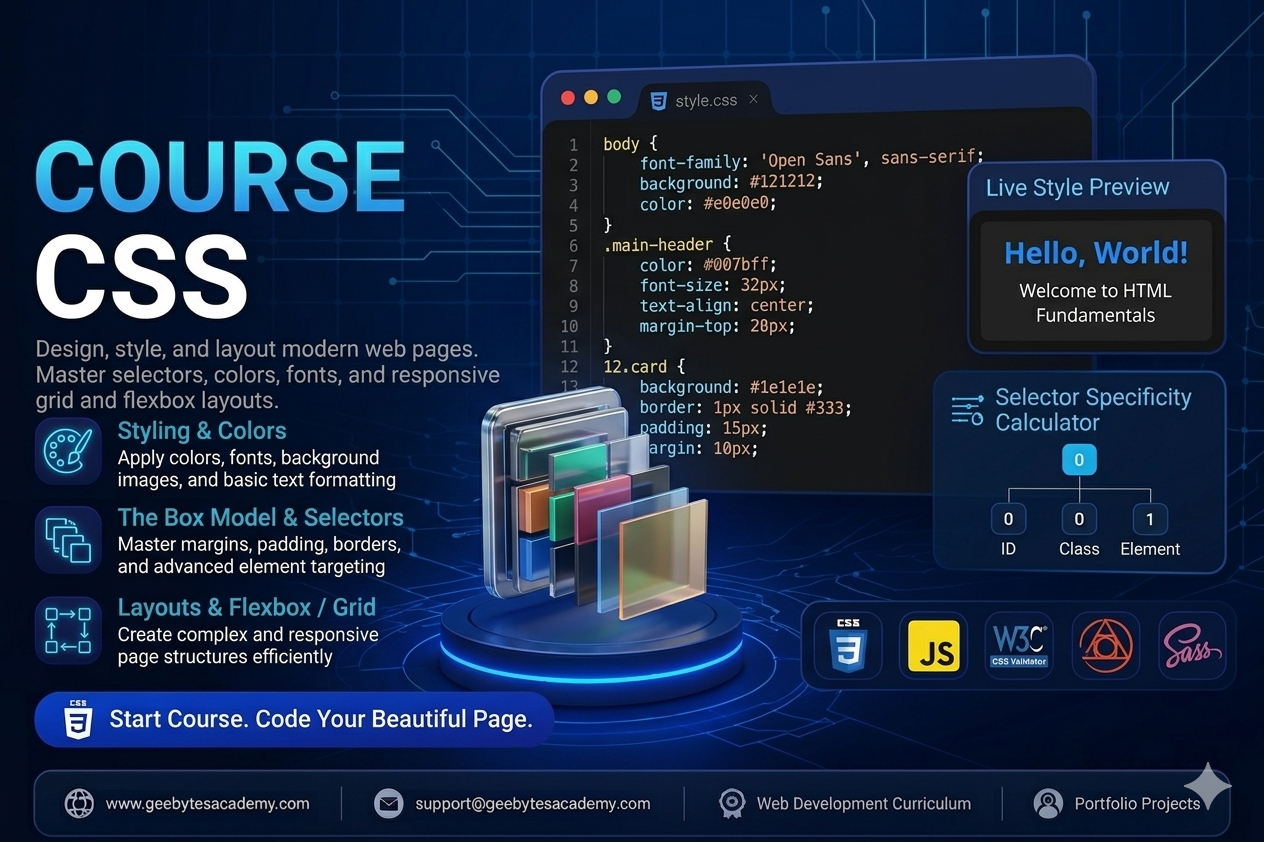
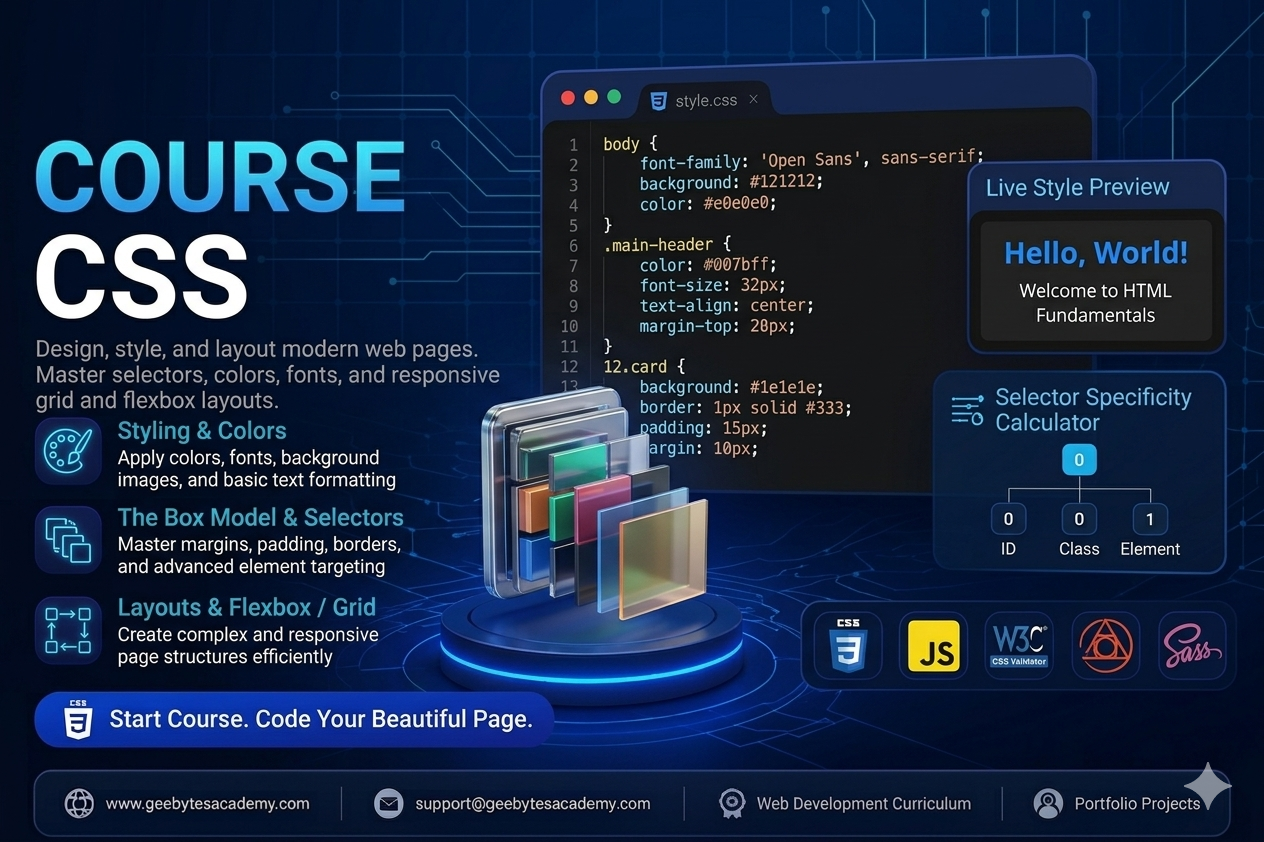
Course Overview Level: Beginner to Intermediate Prerequisites: Basic understanding of HTML structure Goal: Master web styling, layout design systems, responsive design frameworks, and modern CSS architecture best practices. Module 1: Introduction to CSS and Foundations The Role of CSS: How CSS styles the HTML skeleton and communicates with the browser. Applying CSS to HTML: Exploring inline styles, internal style tags, and external stylesheets using the link tag. Syntax Anatomy: Understanding selectors, properties, values, and declaration blocks. The Cascading Rule and Inheritance: Managing how styles flow down to child elements and resolving styling conflicts. Selector Specificity: Mastering how browsers calculate style priority using IDs, classes, and elements. Module 2: Basic Styling, Colors, and Typography Working with Colors: Implementing color values via Keywords, Hexadecimal, RGB, and HSL values. Typography Essentials: Managing font-family, web-safe fonts, importing Google Fonts, font-size, font-weight, and line-height. Text Alignment and Formatting: Using text-align, text-transform, text-decoration, and letter-spacing. Sizing Units Explained: Differentiating between absolute units like pixels and relative units like em, rem, percentages, vw, and vh. Module 3: Mastering the CSS Box Model Understanding the Box Model: Total element size calculation using content, padding, border, and margin. Border Mechanics: Adjusting border-width, border-style, border-color, and creating rounded corners with border-radius. Margin and Padding Control: Preventing margin collapse and understanding spacing layouts. The Box Sizing Property: Why box-sizing: border-box is essential for predictable and responsive layout math. Module 4: Advanced Selectors and State Management Combinators: Targeting elements using Descendant, Child, Adjacent Sibling, and General Sibling selectors. Pseudo-classes: Creating interactive states using hover, focus, active, visited, and nth-child for dynamic lists. Pseudo-elements: Injecting decorative elements or styling specific parts of elements using before, after, first-letter, and first-line. Module 5: Layout Architecture Part 1 - Flexbox Introduction to Flexbox: Moving away from floats to a modern one-dimensional layout model. Flex Container Properties: Aligning and arranging items with display: flex, flex-direction, flex-wrap, and the gap property. Alignment and Justification: Distributing empty space smoothly using justify-content, align-items, and align-content. Flex Item Dynamics: Controlling individual element behavior using flex-grow, flex-shrink, flex-basis, and align-self. Module 6: Layout Architecture Part 2 - CSS Grid Introduction to CSS Grid: Building two-dimensional layouts with rows and columns simultaneously. Defining Grid Structures: Using grid-template-columns, grid-template-rows, and the fractional fr unit. Explicit vs Implicit Grids: Leveraging repeat, minmax, auto-fill, and auto-fit for dynamic grid sizing. Grid Positioning: Placing items precisely using grid-column, grid-row, and grid-area template layouts. Module 7: Responsive Web Design and Media Queries Mobile-First Design Philosophy: Designing for smaller screens first to optimize performance. Media Queries Mechanics: Writing media rules targeting specific breakpoints using min-width and max-width. Responsive Images and Viewports: Ensuring media elements scale beautifully across desktop, tablet, and mobile devices. Module 8: Transitions, Animations, and Effects CSS Transitions: Creating smooth state changes with transition-property, transition-duration, and transition-timing-function. CSS Keyframe Animations: Designing custom multi-step animations using keyframes, animation-name, duration, iteration-count, and direction. Visual Effects: Enhancing UI depth using box-shadow, text-shadow, opacity, and gradients. Capstone Portfolio Projects To graduate from this course, students will build two real-world, styled projects demonstrating layout and design mastery: Project 1: A Fully Responsive Modern Landing Page Layout Students will build a multi-section landing page using a mobile-first approach. The project requires a sticky navigation bar, a flexbox-based hero section, a clean grid-based feature section, custom hover transitions, and a contact footer. No CSS frameworks are allowed, ensuring pure CSS architecture layout mastery. Project 2: An Interactive Dashboard UI with Dark Mode Toggle Students will style a complex user dashboard displaying tables, grid cards, and data summaries. This project focuses heavily on advanced selector tracking, CSS custom variables properties for theme switching, structural alignment, and subtle CSS micro-animations for interactive buttons and states.
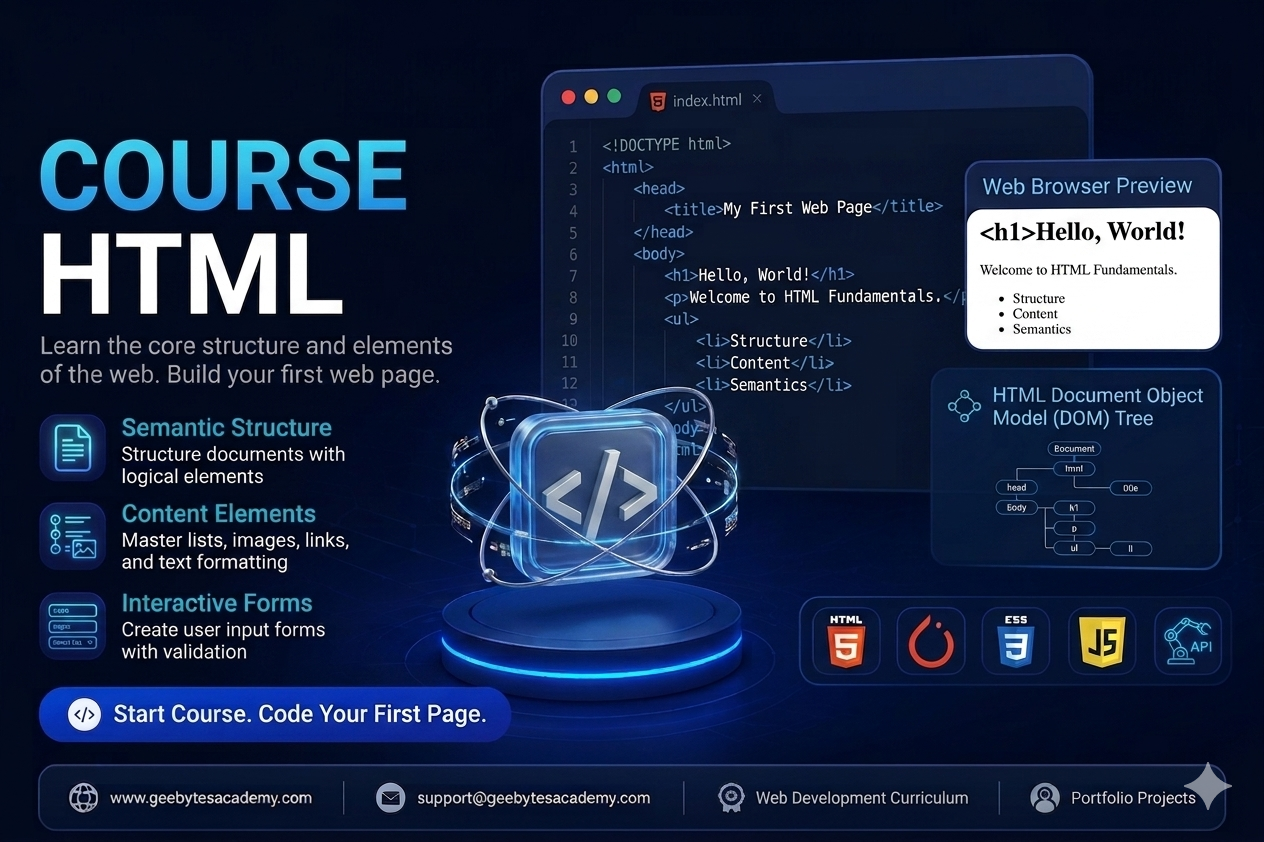
Course Overview Level: Beginner Prerequisites: None (Basic computer literacy required) Goal: Master the fundamental skeleton of the web, ensuring best practices in semantics, SEO alignment, and web accessibility (a11y). Module 1: Introduction to the Web & HTML Fundamentals The Architecture of a Web Page: How browsers read HTML, CSS, and JavaScript. Development Environment Setup: * Installing and configuring VS Code. Essential extensions (Live Server, Prettier). Anatomy of an HTML Element: Tags, attributes, opening/closing tags, and self-closing tags. The Document Skeleton: Understanding <!DOCTYPE html>, <html>, <head>, and <body>. Metadata Essentials: Configuring the <title>, character encoding (charset="utf-8"), and responsive viewports. Module 2: Structuring Text Content Headings & Hierarchy: Proper application of <h1> through <h6> for structural and SEO hierarchy. Paragraphs & Line Breaks: Utilizing <p>, <br>, and <hr>. Text Formatting Elements: Emphasizing content correctly using <strong>, <em>, <blockquote>, <code>, and <pre>. Hyperlinks Deep Dive: Creating absolute vs. relative paths using the <a> tag. Opening links in new tabs safely (target="_blank" rel="noopener"). Building internal page anchors (id-based navigation). Email (mailto:) and telephone (tel:) links. Module 3: Organizing Data: Lists and Tables Unordered vs. Ordered Lists: Working with <ul>, <ol>, and <li>. Description Lists: Utilizing <dl>, <dt>, and <dd> for key-value pairings. Tabular Data Structure: Building clean tables using <table>, <tr>, <td>, and <th>. Grouping table content for readability via <thead>, <tbody>, and <tfoot>. Advanced layouts using colspan and rowspan attributes. Module 4: Multimedia and Embedding Assets Working with Images: * Implementing the <img> tag with src and crucial alt text for accessibility. Image optimization concepts (handling widths, heights, and modern formats). Audio and Video Integration: Using <audio> and <video> elements with native controls, autoplay, and loop attributes. External Embedding: Utilizing <iframe> safely to embed maps, YouTube videos, or third-party widgets. Module 5: Modern Semantic HTML & Page Layout Non-Semantic vs. Semantic Elements: Why moving past generic <div> soup matters. Layout Landmarks: Structuring a complete page layout using semantic elements: <header> and <nav> <main> and <section> <article> and <aside> <footer> Why Semantics Matter: Impact on Search Engine Optimization (SEO) and Screen Readers. Module 6: User Input & Interactive Forms Form Architecture: Creating forms using the <form> wrapper, understanding action and method attributes. Form Controls: * Text inputs, passwords, emails, numbers, and textareas. Checkboxes, radio buttons, and dropdown select menus (<select>, <option>). Connecting Elements: Explicitly linking inputs to <label> tags for accessibility. HTML5 Client-Side Validation: Utilizing required, min, max, pattern, and placeholder features. Form Submission: Differentiating between <button type="submit"> and <button type="button">. Module 7: HTML5 Advanced Features & Web Accessibility (a11y) SEO & Social Share Optimization: Implementing Open Graph (OG) meta tags. Web Accessibility Foundations: * Basic ARIA (Accessible Rich Internet Applications) attributes (aria-label, role). Designing a logical keyboard tab-index flow. Custom Data Attributes: Utilizing data-* attributes to store hidden data for JavaScript processing. 🚀 Capstone Portfolio Projects To graduate from this course, students will build two real-world, pure-HTML projects demonstrating structural mastery: A Semantically Structured Technical Documentation Page: Focuses heavily on headings, lists, text formatting, internal anchors, and table data. A Comprehensive User Registration & Feedback Portal: Focuses on form validation, input variation, matching labels, and interactive grouping using <fieldset> and <legend>.
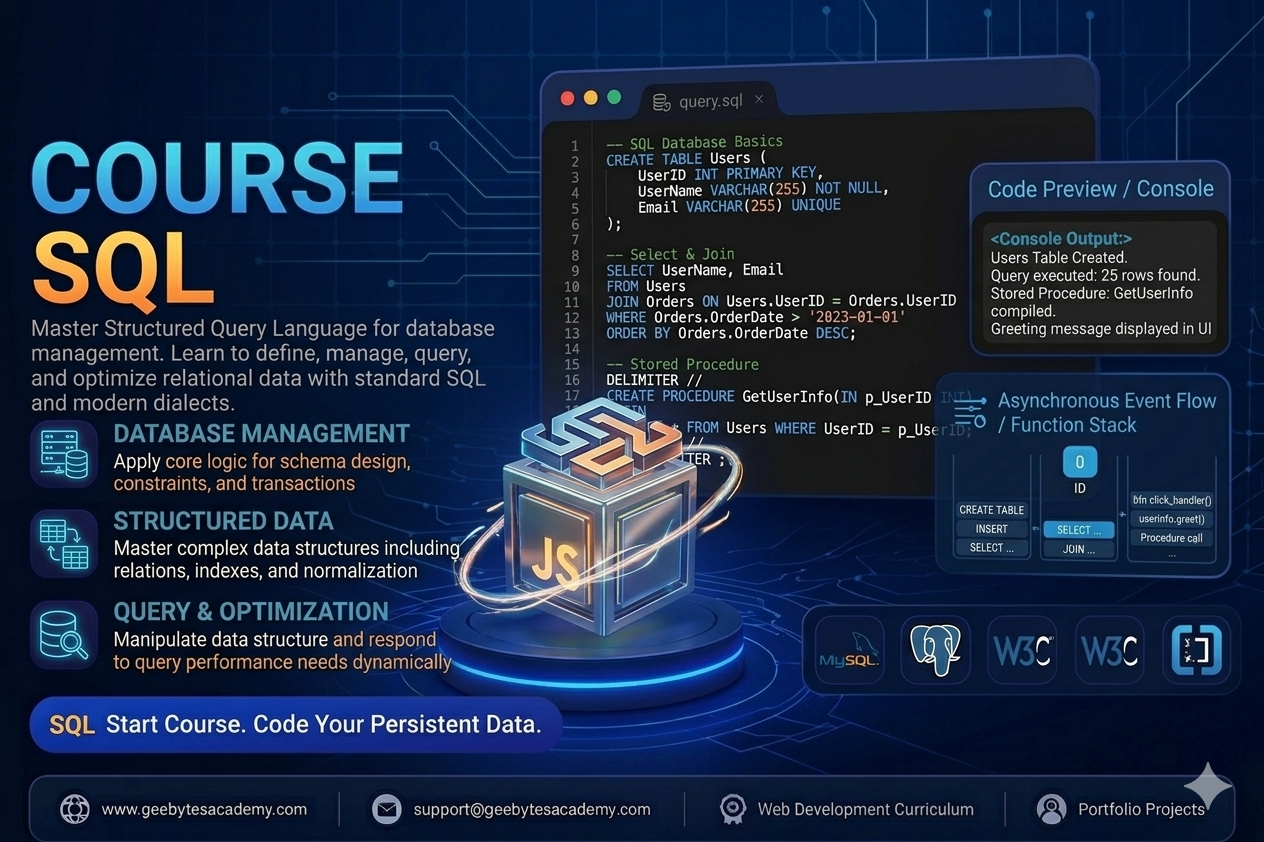
Course Overview Level: Beginner to Intermediate Prerequisites: Basic computer literacy and data organization concepts Goal: Master relational database management systems RDBMS, write highly optimized SQL queries, design normalized schemas, and manage enterprise data assets. Module 1: Relational Database Foundations and SQL Basics Introduction to Databases: Understanding file storage versus relational databases and the role of a Relational Database Management System RDBMS. Database Ecosystems: Setting up tools like MySQL, PostgreSQL, or SQLite and understanding database clients. SQL Language Subsets: Differentiating between Data Definition Language DDL, Data Manipulation Language DML, and Data Control Language DCL. The Core Query Engine: Writing basic data retrieval statements using SELECT, FROM, and terminating statements correctly. Module 2: Filtering and Sorting Data Records Conditional Filtering: Restricting data rows using WHERE clauses paired with comparison operators. Logical Evaluation: Combining multiple filter layers using AND, OR, and NOT logical operations. Pattern Matching: Performing text search filtering using LIKE, wildcards, and IN operators. Null Value Handling: Checking for missing dataset values using IS NULL and IS NOT NULL. Ordering Output: Sorting query results alphabetically or numerically using ORDER BY with ascending or descending parameters. Module 3: Data Manipulation and Table Modifications Inserting Records: Adding single or multiple dataset rows into database structures using INSERT INTO values. Updating Records: Modifying existing row parameters safely using UPDATE alongside strict WHERE clauses to prevent accidental table wide overrides. Deleting Records: Removing targeted rows using DELETE FROM versus wiping full structures with TRUNCATE. Altering Structures: Using ALTER TABLE to add columns, modify data types, or drop fields from active live structures. Module 4: Data Integrity, Constraints, and Schema Design Data Types: Selecting optimal storage types including integers, variable characters VARCHAR, text, booleans, dates, and timestamps. Primary and Foreign Keys: Ensuring row uniqueness using PRIMARY KEY and linking tables together via FOREIGN KEY constraints. Field Requirements: Enforcing data entry rules with NOT NULL, UNIQUE, CHECK, and DEFAULT values. Database Normalization: Structuring tables across First, Second, and Third Normal Forms to eliminate data redundancy and anomalies. Module 5: Aggregation and Data Summarization Aggregate Functions: Computing structural summaries using COUNT, SUM, AVG, MIN, and MAX functions. Grouping Records: Segmenting data rows into categorical blocks using the GROUP BY clause. Filtering Aggregates: Restricting summarized datasets using the HAVING clause versus traditional row filtering with WHERE. Removing Duplicates: Filtering unique records out of saturated columns using the DISTINCT modifier. Module 6: Querying Multi Table Datasets Joins and Subqueries Understanding Table Relationships: Navigating One to One, One to Many, and Many to Many schema architectures. Inner Joins: Retrieving rows that have matching values in both connected tables using INNER JOIN. Outer Joins: Preserving unmatched rows across data structures using LEFT JOIN, RIGHT JOIN, and FULL OUTER JOIN patterns. Subqueries: Nesting queries inside other queries within SELECT, WHERE, or FROM clauses to perform complex multi-stage computations. Module 7: Database Optimization, Views, and Transactions Database Indexes: Accelerating query response speeds on massive datasets using CREATE INDEX features. Database Views: Saving complex multi-join queries into reusable virtual structures using CREATE VIEW. Database Transactions: Ensuring absolute data reliability using ACID properties with COMMIT and ROLLBACK command controls. Capstone Portfolio Projects To graduate from this course, students will complete two enterprise grade database projects demonstrating structural schema layout and query optimization mastery: Project 1: An E Commerce Platform Relational Database Architecture Students will design and implement a relational database schema for a digital retail store from scratch. The project involves building highly normalized tables for users, products, categories, orders, and order items. Students must write complex analytical scripts to generate business performance reports, calculating top selling products, monthly revenue data summaries, and average customer lifetime value spending metrics via advanced multi table joins. Project 2: A Corporate Human Resource Management System Engine Students will build a database core capable of tracking employee profiles, department hierarchies, payroll histories, and performance reviews. This project focuses heavily on implementing strict data integrity constraints, indexing frequently accessed data paths for rapid report loading, and configuring transactional blocks to handle multi table payroll distributions safely without system failures.
Course Overview Level: Beginner to Intermediate Prerequisites: Good understanding of HTML structure and CSS core concepts Goal: Master programming logic, DOM manipulation, object-oriented principles, and modern asynchronous ES6 plus development patterns. Module 1: JavaScript Foundations and Syntax Introduction to the Engine: How browsers execute JavaScript code, the role of the VConsole, and developer tools. Variables and Storage: Declaring variables using var, let, and const, and understanding block scope. Primitive Data Types: Working with Strings, Numbers, Booleans, Null, Undefined, and Symbols. Basic Operators: Utilizing arithmetic, assignment, comparison, and logical operators for value computations. Module 2: Control Flow and Logic Conditional Statements: Directing application flow using if, else if, else, and ternary operators. Switch Statements: Managing multi-conditional checking clean structures. Loops and Iteration: Repeating operations efficiently using for, while, and do-while loops. Break and Continue: Controlling loop execution states and preventing infinite processing loops. Module 3: Functions and Execution Context Declaring Functions: Building reusable blocks using function declarations and function expressions. Parameters and Return Values: Passing dynamic data into functions and capturing outputs. Arrow Functions: Writing clean, modern ES6 arrow function shorthand syntax. Scope and Closures: Understanding global scope, local scope, lexical scope, and data privacy closure techniques. Module 4: Working with Data Structures: Arrays and Objects Array Operations: Creating lists and mutating them using push, pop, shift, and unshift. Advanced Array Methods: Transforming data arrays using map, filter, reduce, forEach, and find. JavaScript Objects: Building key-value pairs, accessing properties via dot and bracket notation, and defining object methods. JSON Mechanics: Converting data structures between JavaScript Objects and JSON strings for API readiness. Module 5: DOM Manipulation and Event Handling The Document Object Model: How JavaScript targets HTML nodes through the document tree. Selecting Elements: Using modern querySelector and querySelectorAll API methods. Modifying Layout Content: Dynamically changing text content, inner HTML, and element attributes. Styling via JavaScript: Adding, removing, and toggling CSS classes smoothly using classList. Event Listeners: Responding to user interactions like click, submit, keydown, and scroll events. Module 6: Object-Oriented JavaScript and ES6 Features Template Literals: Writing complex string interpolations without concatenation. Destructuring and Rest Spread: Unpacking values from arrays and objects cleanly. Classes and Inheritance: Building blueprints using constructor functions, classes, and the extends keyword. The This Keyword: Mastering execution contexts and binding references accurately. Module 7: Asynchronous JavaScript and API Integrations The Event Loop Architecture: Understanding synchronous versus asynchronous execution stacks. Callbacks and Promises: Managing delayed operations and escaping callback hell. Async Await Syntax: Writing asynchronous API operations with synchronous readability. Fetch API: Requesting, processing, and sending data to external third-party web services. Capstone Portfolio Projects To graduate from this course, students will build two real-world, highly interactive applications demonstrating programming mastery: Project 1: An Advanced Interactive Task Management Application Students will design a functional task management engine. This application allows users to create, read, update, and delete tasks dynamically. It features category filtering, priority sorting, tracking input states via event listeners, and data persistence using Browser LocalStorage so data remains saved on page refresh. Project 2: A Real-Time Multi-Source Weather Dashboard App Students will build a dynamic dashboard that connects to a live third-party Weather API. The application will fetch real-time weather metrics based on user location input, handle error responses gracefully for missing cities, parse JSON payloads, and update UI displays instantly with custom animations. This project tests full mastery of asynchronous programming and structural DOM rebuilding patterns.
Course Overview Level: Intermediate Prerequisites: Good understanding of HTML structure and CSS core concepts like Flexbox and the Box Model Goal: Master the utility-first workflow, build highly maintainable components without leaving your HTML, and configure custom design systems using Tailwind configurations. Module 1: Introduction to Utility-First and Setup The Utility-First Paradigm: Comparing traditional semantic CSS with utility-first CSS and understanding the speed and maintainability benefits. Installation and Ecosystem: Setting up Tailwind via Tailwind CLI, PostCSS integration, and framework installations. Development Tools: Installing the Tailwind CSS IntelliSense extension in VS Code for autocomplete. The Build Process: Understanding how Tailwind scans files to purge unused styles and output an optimized, ultra-lightweight production bundle. Module 2: Core Utilities and Box Model Management Sizing and Spacing: Implementing padding and margin using the standard spacing scale. Width and Height: Mastering absolute, relative, max, and min width and height utilities. Typography with Tailwind: Configuring font family, text sizes, text weights, tracking letter spacing, leading line height, and alignments. Colors and Backgrounds: Applying Tailwind comprehensive color palette to text, backgrounds, and borders. Borders and Effects: Managing border width, colors, radius rounded corners, opacity, and box shadows. Module 3: Advanced Layouts with Flexbox and Grid Flexbox Utility Classes: Creating flexible layouts instantly with flex, flex-direction, items-center, justify-between, and flex-wrap. The Gap Property: Using gap utilities to instantly manage spacing between flex and grid elements without margin tracking. Grid Layouts made Easy: Defining multi-column structures using grid, grid-cols, col-span, and row-span utilities. Element Positioning: Implementing absolute, relative, fixed, and sticky layouts along with z-index positioning layers. Module 4: Interactivity, States, and Responsive Design Handling Pseudo-Classes: Implementing hover, focus, active, and disabled states directly inside the class attribute using modifiers. Styling Lists and Forms: Working with focus-within, placeholder utilities, and styling form inputs smoothly. Responsive Design Framework: Understanding Tailwind standard breakpoints like sm, md, lg, xl, and 2xl. Mobile-First Strategy: Writing layout code that scales gracefully from small mobile screens to massive widescreen monitors. Module 5: Component Extraction and Reusability The Maintenance Dilemma: How to handle long HTML class strings without duplicating code. Multi-Cursor and Component Reuse: Copy-pasting patterns efficiently across template structures. The Apply Directive: Using apply inside your main CSS file to bundle utility groups into clean custom classes for legacy structures. Component-Driven Frameworks: Integrating Tailwind utility strings inside reusable React, Vue, or Blade components for optimal code hygiene. Module 6: Deep Dive into Customization Configuration The Configuration File: Understanding the structure of the tailwind.config.js file. Extending the Theme: Adding custom brand colors, unique font families, custom spacing scales, and custom box-shadow profiles without breaking default classes. Custom Breakpoints: Modifying screen sizes or adding unique screen dimensions for specialized enterprise displays. Dark Mode Architecture: Implementing standard device-preference or selector-based dark mode using the dark modifier. Module 7: Transitions, Transforms, and Core Plugins Transitions and Animations: Creating smooth UI changes using transition, duration, ease-in-out, and default Tailwind animation configurations. Transforms: Scaling, rotating, and translating elements gracefully on user interaction. Official Tailwind Plugins: Working with official typography, forms, aspect-ratio, and container-queries plugins to accelerate interface creation. Capstone Portfolio Projects To graduate from this course, students will build two real-world, highly responsive projects demonstrating framework mastery: Project 1: A Premium SaaS Product Marketing Landing Page Students will construct a multi-tiered marketing landing page. This page will feature a responsive navigation menu, a dynamic hero section with custom typography values, a grid-based pricing matrix table, feature highlight grids, and client testimonial sliders. The page must be flawlessly fluid across mobile, tablet, and desktop screens using only inline Tailwind utility modifiers. Project 2: An Enterprise Software Management Dashboard Interface Students will build a complex dark-mode ready application layout. The design features a collapsible sidebar navigation panel, a top dashboard metric track line, multi-column analytics layouts, and complex form feedback fields. This project focuses heavily on theme extension custom colors via configuration files, compound pseudo-states tracking, and interactive CSS micro-interactions for a unified application feeling.
Course Overview Level: Beginner to Intermediate Prerequisites: Basic understanding of HTML structure Goal: Master web styling, layout design systems, responsive design frameworks, and modern CSS architecture best practices. Module 1: Introduction to CSS and Foundations The Role of CSS: How CSS styles the HTML skeleton and communicates with the browser. Applying CSS to HTML: Exploring inline styles, internal style tags, and external stylesheets using the link tag. Syntax Anatomy: Understanding selectors, properties, values, and declaration blocks. The Cascading Rule and Inheritance: Managing how styles flow down to child elements and resolving styling conflicts. Selector Specificity: Mastering how browsers calculate style priority using IDs, classes, and elements. Module 2: Basic Styling, Colors, and Typography Working with Colors: Implementing color values via Keywords, Hexadecimal, RGB, and HSL values. Typography Essentials: Managing font-family, web-safe fonts, importing Google Fonts, font-size, font-weight, and line-height. Text Alignment and Formatting: Using text-align, text-transform, text-decoration, and letter-spacing. Sizing Units Explained: Differentiating between absolute units like pixels and relative units like em, rem, percentages, vw, and vh. Module 3: Mastering the CSS Box Model Understanding the Box Model: Total element size calculation using content, padding, border, and margin. Border Mechanics: Adjusting border-width, border-style, border-color, and creating rounded corners with border-radius. Margin and Padding Control: Preventing margin collapse and understanding spacing layouts. The Box Sizing Property: Why box-sizing: border-box is essential for predictable and responsive layout math. Module 4: Advanced Selectors and State Management Combinators: Targeting elements using Descendant, Child, Adjacent Sibling, and General Sibling selectors. Pseudo-classes: Creating interactive states using hover, focus, active, visited, and nth-child for dynamic lists. Pseudo-elements: Injecting decorative elements or styling specific parts of elements using before, after, first-letter, and first-line. Module 5: Layout Architecture Part 1 - Flexbox Introduction to Flexbox: Moving away from floats to a modern one-dimensional layout model. Flex Container Properties: Aligning and arranging items with display: flex, flex-direction, flex-wrap, and the gap property. Alignment and Justification: Distributing empty space smoothly using justify-content, align-items, and align-content. Flex Item Dynamics: Controlling individual element behavior using flex-grow, flex-shrink, flex-basis, and align-self. Module 6: Layout Architecture Part 2 - CSS Grid Introduction to CSS Grid: Building two-dimensional layouts with rows and columns simultaneously. Defining Grid Structures: Using grid-template-columns, grid-template-rows, and the fractional fr unit. Explicit vs Implicit Grids: Leveraging repeat, minmax, auto-fill, and auto-fit for dynamic grid sizing. Grid Positioning: Placing items precisely using grid-column, grid-row, and grid-area template layouts. Module 7: Responsive Web Design and Media Queries Mobile-First Design Philosophy: Designing for smaller screens first to optimize performance. Media Queries Mechanics: Writing media rules targeting specific breakpoints using min-width and max-width. Responsive Images and Viewports: Ensuring media elements scale beautifully across desktop, tablet, and mobile devices. Module 8: Transitions, Animations, and Effects CSS Transitions: Creating smooth state changes with transition-property, transition-duration, and transition-timing-function. CSS Keyframe Animations: Designing custom multi-step animations using keyframes, animation-name, duration, iteration-count, and direction. Visual Effects: Enhancing UI depth using box-shadow, text-shadow, opacity, and gradients. Capstone Portfolio Projects To graduate from this course, students will build two real-world, styled projects demonstrating layout and design mastery: Project 1: A Fully Responsive Modern Landing Page Layout Students will build a multi-section landing page using a mobile-first approach. The project requires a sticky navigation bar, a flexbox-based hero section, a clean grid-based feature section, custom hover transitions, and a contact footer. No CSS frameworks are allowed, ensuring pure CSS architecture layout mastery. Project 2: An Interactive Dashboard UI with Dark Mode Toggle Students will style a complex user dashboard displaying tables, grid cards, and data summaries. This project focuses heavily on advanced selector tracking, CSS custom variables properties for theme switching, structural alignment, and subtle CSS micro-animations for interactive buttons and states.
Course Overview Level: Beginner Prerequisites: None (Basic computer literacy required) Goal: Master the fundamental skeleton of the web, ensuring best practices in semantics, SEO alignment, and web accessibility (a11y). Module 1: Introduction to the Web & HTML Fundamentals The Architecture of a Web Page: How browsers read HTML, CSS, and JavaScript. Development Environment Setup: * Installing and configuring VS Code. Essential extensions (Live Server, Prettier). Anatomy of an HTML Element: Tags, attributes, opening/closing tags, and self-closing tags. The Document Skeleton: Understanding <!DOCTYPE html>, <html>, <head>, and <body>. Metadata Essentials: Configuring the <title>, character encoding (charset="utf-8"), and responsive viewports. Module 2: Structuring Text Content Headings & Hierarchy: Proper application of <h1> through <h6> for structural and SEO hierarchy. Paragraphs & Line Breaks: Utilizing <p>, <br>, and <hr>. Text Formatting Elements: Emphasizing content correctly using <strong>, <em>, <blockquote>, <code>, and <pre>. Hyperlinks Deep Dive: Creating absolute vs. relative paths using the <a> tag. Opening links in new tabs safely (target="_blank" rel="noopener"). Building internal page anchors (id-based navigation). Email (mailto:) and telephone (tel:) links. Module 3: Organizing Data: Lists and Tables Unordered vs. Ordered Lists: Working with <ul>, <ol>, and <li>. Description Lists: Utilizing <dl>, <dt>, and <dd> for key-value pairings. Tabular Data Structure: Building clean tables using <table>, <tr>, <td>, and <th>. Grouping table content for readability via <thead>, <tbody>, and <tfoot>. Advanced layouts using colspan and rowspan attributes. Module 4: Multimedia and Embedding Assets Working with Images: * Implementing the <img> tag with src and crucial alt text for accessibility. Image optimization concepts (handling widths, heights, and modern formats). Audio and Video Integration: Using <audio> and <video> elements with native controls, autoplay, and loop attributes. External Embedding: Utilizing <iframe> safely to embed maps, YouTube videos, or third-party widgets. Module 5: Modern Semantic HTML & Page Layout Non-Semantic vs. Semantic Elements: Why moving past generic <div> soup matters. Layout Landmarks: Structuring a complete page layout using semantic elements: <header> and <nav> <main> and <section> <article> and <aside> <footer> Why Semantics Matter: Impact on Search Engine Optimization (SEO) and Screen Readers. Module 6: User Input & Interactive Forms Form Architecture: Creating forms using the <form> wrapper, understanding action and method attributes. Form Controls: * Text inputs, passwords, emails, numbers, and textareas. Checkboxes, radio buttons, and dropdown select menus (<select>, <option>). Connecting Elements: Explicitly linking inputs to <label> tags for accessibility. HTML5 Client-Side Validation: Utilizing required, min, max, pattern, and placeholder features. Form Submission: Differentiating between <button type="submit"> and <button type="button">. Module 7: HTML5 Advanced Features & Web Accessibility (a11y) SEO & Social Share Optimization: Implementing Open Graph (OG) meta tags. Web Accessibility Foundations: * Basic ARIA (Accessible Rich Internet Applications) attributes (aria-label, role). Designing a logical keyboard tab-index flow. Custom Data Attributes: Utilizing data-* attributes to store hidden data for JavaScript processing. 🚀 Capstone Portfolio Projects To graduate from this course, students will build two real-world, pure-HTML projects demonstrating structural mastery: A Semantically Structured Technical Documentation Page: Focuses heavily on headings, lists, text formatting, internal anchors, and table data. A Comprehensive User Registration & Feedback Portal: Focuses on form validation, input variation, matching labels, and interactive grouping using <fieldset> and <legend>.
Database-Code Sync: Your form now submits values that explicitly exist within your database constraints, clearing out the truncation warnings. Correct UI Badges: Your instructor catalog grid will now clearly read and highlight your existing database rows (approved for your Full Stack Web Development and React Native course rows) with pristine, glowing badges.
Database-Code Sync: Your form now submits values that explicitly exist within your database constraints, clearing out the truncation warnings. Correct UI Badges: Your instructor catalog grid will now clearly read and highlight your existing database rows (approved for your Full Stack Web Development and React Native course rows) with pristine, glowing badges.

Database Check: As mentioned before, you must run this in your database (e.g., phpMyAdmin) so it stops looking for a slug: ALTER TABLE courses DROP INDEX slug; (If you don't do this, MySQL might still throw an error if it finds a duplicate value in that column). Once you replace the method with the one above and delete the helper function at the bottom, the undefined method error will disappear. Does it work now?