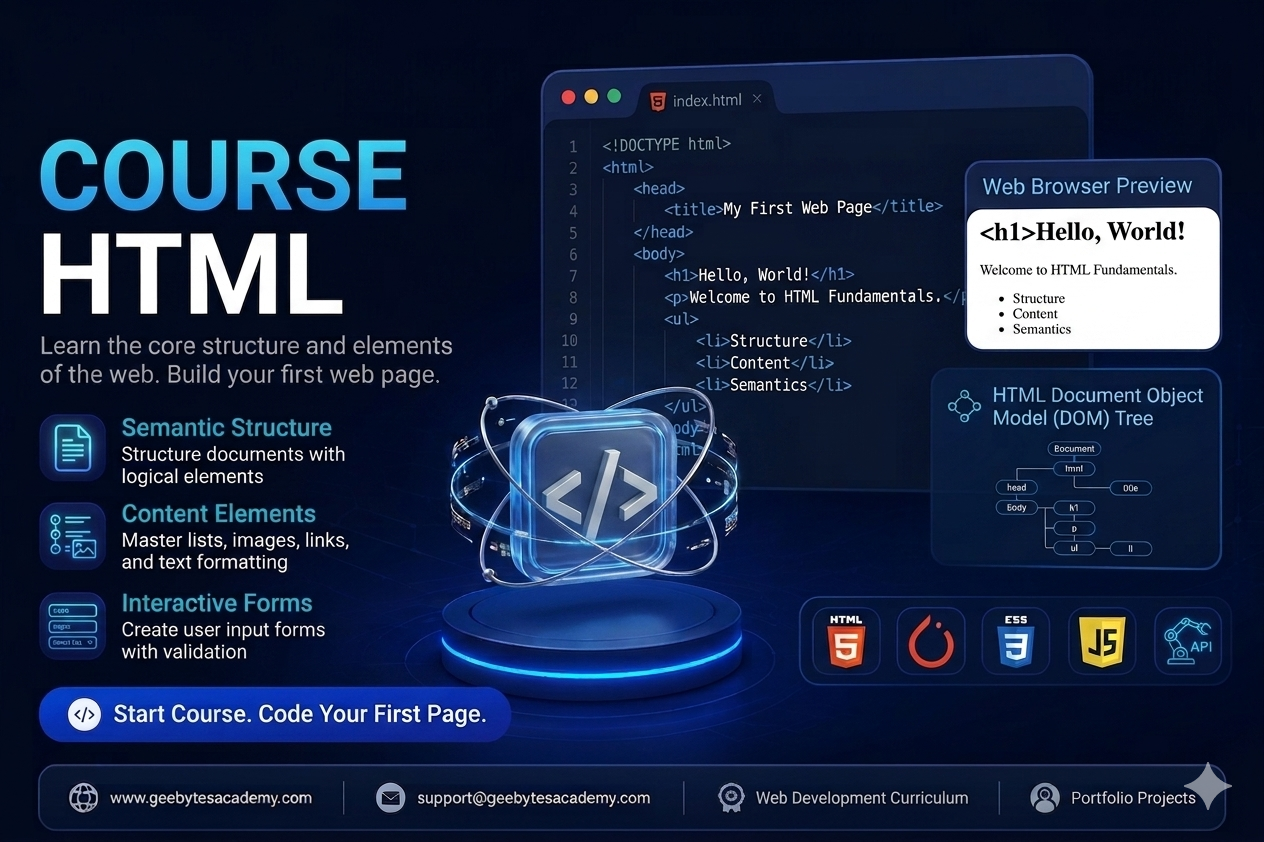
Course Overview
Level: Beginner
Prerequisites: None (Basic computer literacy required)
Goal: Master the fundamental skeleton of the web, ensuring best practices in semantics, SEO alignment, and web accessibility (a11y).
Module 1: Introduction to the Web & HTML Fundamentals
The Architecture of a Web Page: How browsers read HTML, CSS, and JavaScript.
Development Environment Setup: * Installing and configuring VS Code.
Essential extensions (Live Server, Prettier).
Anatomy of an HTML Element: Tags, attributes, opening/closing tags, and self-closing tags.
The Document Skeleton: Understanding <!DOCTYPE html>, <html>, <head>, and <body>.
Metadata Essentials: Configuring the <title>, character encoding (charset="utf-8"), and responsive viewports.
Module 2: Structuring Text Content
Headings & Hierarchy: Proper application of <h1> through <h6> for structural and SEO hierarchy.
Paragraphs & Line Breaks: Utilizing <p>, <br>, and <hr>.
Text Formatting Elements: Emphasizing content correctly using <strong>, <em>, <blockquote>, <code>, and <pre>.
Hyperlinks Deep Dive:
Creating absolute vs. relative paths using the <a> tag.
Opening links in new tabs safely (target="_blank" rel="noopener").
Building internal page anchors (id-based navigation).
Email (mailto:) and telephone (tel:) links.
Module 3: Organizing Data: Lists and Tables
Unordered vs. Ordered Lists: Working with <ul>, <ol>, and <li>.
Description Lists: Utilizing <dl>, <dt>, and <dd> for key-value pairings.
Tabular Data Structure:
Building clean tables using <table>, <tr>, <td>, and <th>.
Grouping table content for readability via <thead>, <tbody>, and <tfoot>.
Advanced layouts using colspan and rowspan attributes.
Module 4: Multimedia and Embedding Assets
Working with Images: * Implementing the <img> tag with src and crucial alt text for accessibility.
Image optimization concepts (handling widths, heights, and modern formats).
Audio and Video Integration: Using <audio> and <video> elements with native controls, autoplay, and loop attributes.
External Embedding: Utilizing <iframe> safely to embed maps, YouTube videos, or third-party widgets.
Module 5: Modern Semantic HTML & Page Layout
Non-Semantic vs. Semantic Elements: Why moving past generic <div> soup matters.
Layout Landmarks: Structuring a complete page layout using semantic elements:
<header> and <nav>
<main> and <section>
<article> and <aside>
<footer>
Why Semantics Matter: Impact on Search Engine Optimization (SEO) and Screen Readers.
Module 6: User Input & Interactive Forms
Form Architecture: Creating forms using the <form> wrapper, understanding action and method attributes.
Form Controls: * Text inputs, passwords, emails, numbers, and textareas.
Checkboxes, radio buttons, and dropdown select menus (<select>, <option>).
Connecting Elements: Explicitly linking inputs to <label> tags for accessibility.
HTML5 Client-Side Validation: Utilizing required, min, max, pattern, and placeholder features.
Form Submission: Differentiating between <button type="submit"> and <button type="button">.
Module 7: HTML5 Advanced Features & Web Accessibility (a11y)
SEO & Social Share Optimization: Implementing Open Graph (OG) meta tags.
Web Accessibility Foundations: * Basic ARIA (Accessible Rich Internet Applications) attributes (aria-label, role).
Designing a logical keyboard tab-index flow.
Custom Data Attributes: Utilizing data-* attributes to store hidden data for JavaScript processing.
🚀 Capstone Portfolio Projects
To graduate from this course, students will build two real-world, pure-HTML projects demonstrating structural mastery:
A Semantically Structured Technical Documentation Page: Focuses heavily on headings, lists, text formatting, internal anchors, and table data.
A Comprehensive User Registration & Feedback Portal: Focuses on form validation, input variation, matching labels, and interactive grouping using <fieldset> and <legend>.